You’ve probably heard about “local SEO” before, maybe from an agency that charged a few hundred dollars a month and sent you a report full of numbers that meant nothing. Your phone didn’t ring any more than it did before you signed up. That’s not what this guide is.
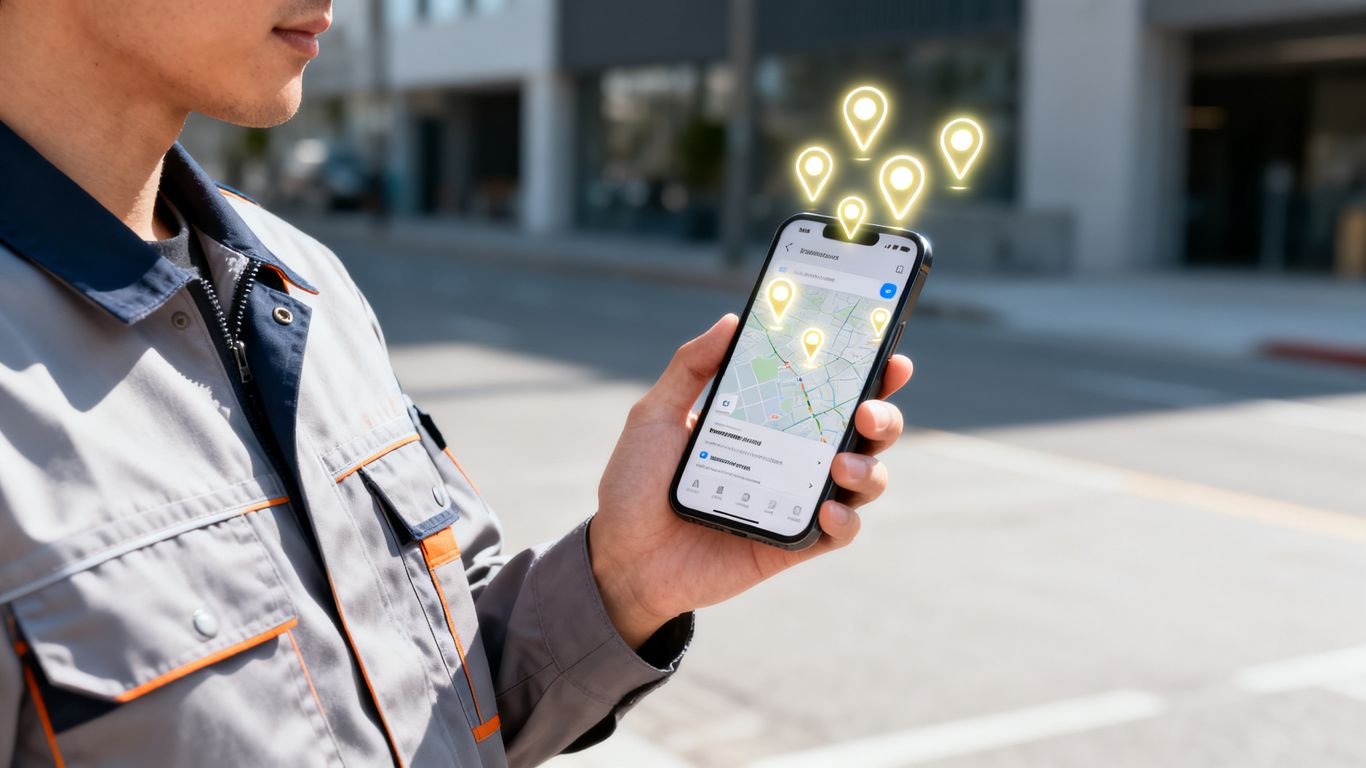
Ranking higher on Google Maps means more people see your business first when they search for what you do, in your area. Land in the top three results (what Google calls the map pack) and you get the calls. Sit on page two, and your competitor gets them instead, even if your work is better than his. This guide walks through exactly what to do, in order, starting this week.
Key Takeaways
- Claim and verify your Google Business Profile before you optimize anything else.
- Pick business categories that match exactly what you do.
- Keep your name, address, and phone number identical on every site that lists them.
- Ask for reviews consistently, and respond to every one, good or bad.
- Post updates on your profile regularly to show you’re active.
- Check your profile’s insights to see what’s working, then adjust.
Step 1: Take control of your business listing
Before you optimize anything, make sure you actually control your listing. If you’ve never claimed your Google Business Profile, someone else, maybe an old employee or a data company you’ve never heard of, might technically own it.
Search for your business by name and city on Google Maps. If a profile already exists, look for a link that says “Own this business?” or “Claim this business.” Click it and follow Google’s verification steps, usually a phone call, a text, or a postcard mailed to your business address. Once you’re verified, you can edit everything: your hours, your categories, your photos, your description.
If no profile exists yet, you can create one directly from Google Maps or Google Business Profile Manager. Either way, this is the account you’ll use for every step below.
Optimize your Google Business Profile
Your Google Business Profile is the front door for your business online. If you’re asking how to rank higher on Google Maps, this is where you start.
Selecting the right primary and secondary business categories
Google relies on categories to understand what your business actually does. If you run a plumbing service, selecting the right primary category is non-negotiable for showing up in local searches.
| Business Type | Primary Category | Secondary Category |
|---|---|---|
| HVAC Contractor | HVAC Contractor | Air Conditioning Repair |
| Local Electrician | Electrician | Electrical Installation Service |
| Property Maintenance | Handyman | Building Maintenance |
Get these right and Google shows your profile to the customers searching for the specific repairs you actually handle.
Writing a business description that addresses customer needs
Write a description that speaks to your customer, not an algorithm. Mention the specific areas you serve and the problems you solve, and skip the keyword stuffing.
Uploading high-quality photos to improve click-through rates
Add real photos of your team, your vehicles, and finished jobs. They’re proof of your work, and they turn someone just browsing into someone who calls.
Get your business info correct everywhere
Your business name, address, and phone number need to match, word for word, everywhere they show up: your website, Facebook, Yelp, and any trade directories you’re listed on. Google cross checks this information to confirm you’re a real business at a real location. If your phone number on Facebook doesn’t match the one on your website, that mismatch makes Google less confident in your listing, and it can hold back your rank.
Check the directories that matter to your trade
You don’t need to be listed everywhere. Stick to the directories your actual customers use to find someone like you, and make sure your name, address, and phone number are typed identically on each one. Google’s own guidance walks through what it checks for.
Clean up duplicate listings
If your business shows up twice on Google Maps, maybe from a previous owner, or from a listing a data company created without asking you, that duplicate confuses Google and splits whatever trust you’ve built. Search for your business name, and claim or request removal of any duplicate you find, so there’s one listing with the correct information.
Collect and manage customer reviews
Reviews are a major trust signal for new customers. Frequent, recent reviews also keep your profile active, which helps your ranking.
Make it simple to ask
Ask for the review right after the job’s done, while it’s still fresh. A quick text or email with a direct link is usually all it takes.
Respond to negative reviews with transparency and professionalism
Every business gets a bad review eventually. How you handle it in public is what customers actually judge you on, so stay professional and skip the online argument.
Ask questions that naturally bring up what you did
When you ask for a review, ask the customer what job you did for them. If someone writes that you fixed their water heater fast, that helps the next person searching for exactly that find you.
Use Google Posts to show you’re open for business
Google Business Profile lets you post short updates the same way you’d post to Facebook or Instagram: a special offer, a new service you’re now doing, a heads up about holiday hours, or a photo from a job you just finished. Think of it as a sign in your digital window.
You don’t need anything fancy. A photo, a sentence or two, and a button like “Call now” or “Book online” is enough. Posting every couple of weeks tells Google, and anyone looking at your profile, that you’re active and still taking work.
Focus on local website signals

Your website should back up your local presence, not sit separate from it. If you want to move from outside the top 10 to the top 3 on Google Maps, make sure your site clearly states where you work.
Creating dedicated landing pages for specific service areas
Don’t just list all your towns on one page. Build a separate page for each service area to capture local searches better. A few things to include on each one:
- The service area name in the page URL.
- Unique content for every location page, not copies of each other.
- A link back to the specific service pages that apply there.
- An embedded Google map centered on that service area.
Separate pages for each city or neighborhood help search engines see you as the local option for those specific places.
Embedding an interactive map on your contact page
Help people find your office or service area at a glance. An embedded map makes it easier to get directions, and it confirms your location to search engines too.
Boosting site speed and mobile usability for local searchers
Most people searching for help are on their phones. If your site takes too long to load, they’ll leave and call the next name on the list.
Get other local businesses to mention you online
Partner with nearby businesses and community organizations
Reach out to businesses that share your customers, a hardware store, a property manager, a real estate agent. Cross promoting each other builds trust locally, and it gives Google another place on the web that mentions your business.
Getting featured in local news or trade publications
A mention in a local news story or trade publication is a strong signal. It shows you’re a real, established business in the area, not just a listing on a map.
Sponsoring local events to get mentioned by local sites
Sponsoring a youth sports team or a charity event often gets your business listed on their website. That’s a legitimate way to get mentioned by other local sites, and it puts your name in front of the community at the same time.
Monitor your performance and adjust
Using GBP insights to find untapped search queries
Look at what terms people use to find your profile. You might find searchers are looking for a service you haven’t highlighted enough yet.
Tracking your position against local competitors
Keep an eye on who’s sitting in the top spots. Knowing where they’re winning shows you your own gaps and where to focus next.
Setting up automated reporting for local ranking fluctuations
Stay on top of changes with simple alerts. You don’t need to stare at dashboards all day, but you should know when your rank shifts.
Conclusion
Ranking higher on Google Maps takes steady work, not a one time fix, but it pays off once your phone starts ringing more often. Keep your profile accurate and your reputation solid, and stop letting leads slip away by getting a free audit to see exactly where your business stands today.
Frequently Asked Questions
Is it possible to pay for a better ranking on Google Maps?
No, you cannot pay for a higher ranking in the map results. You earn your placement through consistent updates, accurate information, and verified customer feedback.
How long does it take to see results on the map?
It varies by how competitive your market is. Most businesses start seeing progress within a few months of consistently keeping their profiles updated.
Do I need a physical office in every town I serve?
You don’t need a storefront in every town, but you do need a business profile verified for the areas where you actually provide service.
Should I post on my Business Profile often?
Regular posting keeps your profile active and shows potential customers that you’re still in business and ready to take on new work.
What happens if I ignore negative reviews?
Ignoring negative feedback signals to new customers that you might not care about their satisfaction, which can make them less likely to hire you.
Why is my local rank dropping?
Changes in Google’s algorithm, new competition in your area, or stale profile information can all cause your local ranking to slip over time.
Does my website speed affect my map ranking?
Yes. A fast, mobile-friendly website is part of the overall signal Google uses to decide which businesses give local searchers the best experience.
What is the “map pack”?
The map pack is the group of three businesses Google shows at the top of local search results, above the regular list. Those three spots get most of the calls and clicks, so landing in one of them is the whole point of this guide.
How do I ask for reviews without being annoying?
Ask once, right after you finish the job, while the work is still fresh in the customer’s mind. A short text or email with a direct link to leave a review is enough. If they don’t respond, let it go. One polite ask beats repeated follow ups that start to feel like nagging.
Want to know exactly where your Google Business Profile is losing you calls? Get a free, no-obligation GBP audit.