
Every agent in your market is chasing the same handful of buyers and sellers who type a real estate search into Google. Your Google Business Profile is one of the few places where you control who shows up first, without paying a lead site every month for a phone number three other agents already called.
Get it right and the phone rings from people who found you on their own. Get it wrong and you’re stuck relying on leads that go stale before you can call back.
Key takeaways
Here’s what actually moves the needle on your profile:
- Claim and verify your profile to lock in your map position.
- Use real photos of yourself and your listings to build trust before anyone calls.
- Gather genuine customer feedback so your reputation does the talking for you.
- Keep your hours and service area accurate as your business changes.
- Check your performance data so you know what’s actually bringing in calls.
Setting up your profile the right way
Getting the setup right means defining your footprint accurately, so people searching in your area find you instead of the next agent down the street. Skip a step here and it gets harder to show up for local searches later.
Choosing the right business category
Pick the category that matches how you actually work. If you’re an individual agent, choose “Real Estate Agent.” If you run an office with multiple agents, “Real Estate Agency” fits better. This is what tells Google how to match you to the right searches.
Verifying your agency location and service area
Local search runs on proximity, so you need to verify your address to confirm you’re a real, physical presence in the area, usually through the postcard or digital verification process. Which method you’re offered can depend on your account and location, and Google updates these options over time, so check what’s currently available to you and follow it through. Skipping verification is one of the most common reasons a profile never shows up in search at all.
Once you’re verified, define your service area radius so the algorithm knows exactly where you work. That keeps you from showing up to people outside your actual reach, which wastes both your time and theirs.
Adding professional branding and headshots
Clients are trusting you with one of the biggest financial decisions of their life, and they want to see who they’re actually dealing with. Upload real headshots and photos of your office so people know you’re not a stock photo. Here’s the specific breakdown of what to upload.
| Asset Type | Recommended Ratio | Why it matters |
|---|---|---|
| Official Headshot | 1:1 | Personalizes the agent relationship |
| Office Exterior | 16:9 | Proves physical business existence |
| Listing Showcase | 16:9 | Demonstrates current market activity |
These photos are what turn a search result into an actual person before anyone even calls.
Connecting your website and social profiles
Make sure your website link goes to a page that’s actually relevant, not just your homepage. If you have a page for open houses or buyer resources, link there instead. Connect your active social accounts too, so people can see you’re out there working, not just a name on a sign.
Optimizing your listing for local search
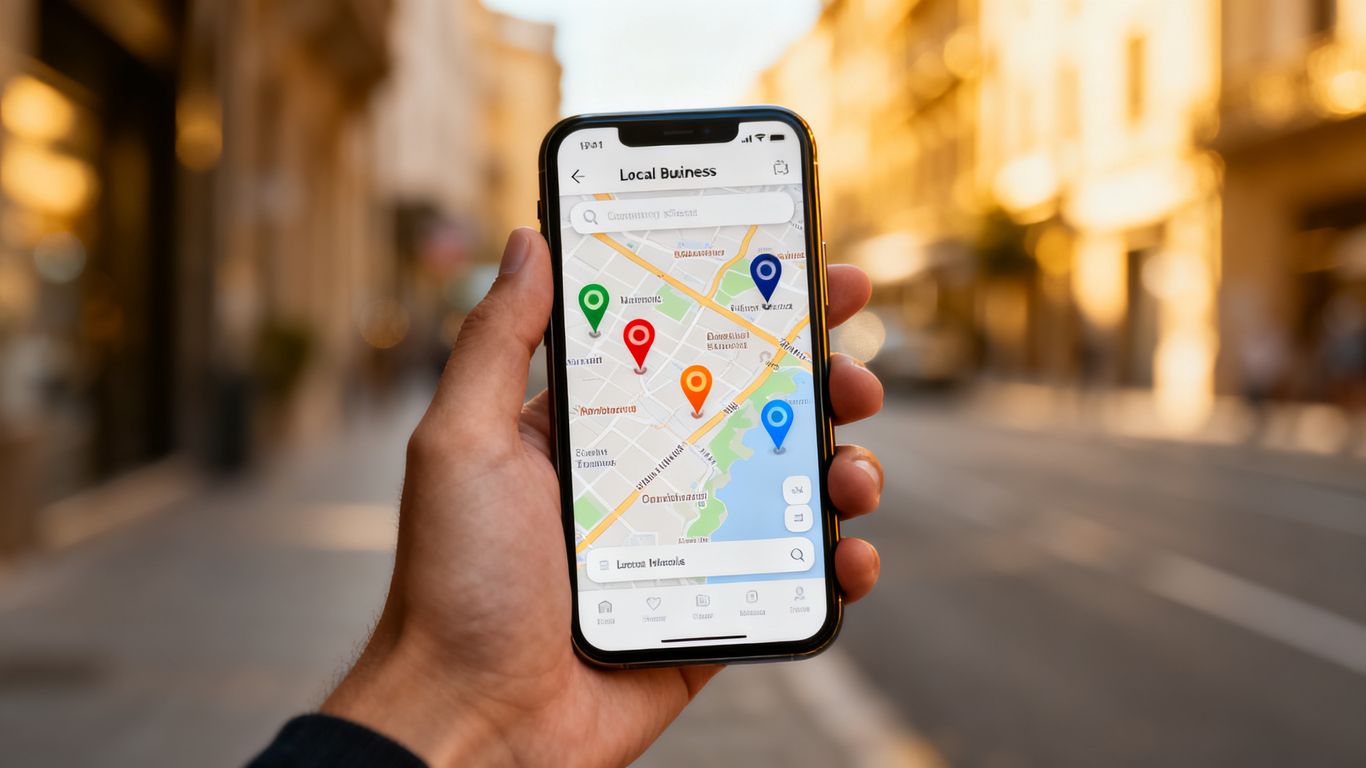
Setup gets you listed. Optimizing is what gets you found by the right person at the right moment. Every field you leave blank is a chance for Google to guess wrong about who you serve. Filling them in with real detail is how you get your business noticed by someone searching for a home tour or an appraisal.
Writing a business description that targets local buyers
Write a plain description that names the neighborhoods you actually serve. Skip the buzzwords and describe the real work you do, whether that’s first-time buyers, luxury listings, or a specific property type you know inside and out. Say what a local buyer needs to know in the first sentence, not the fifth.
Selecting relevant real estate service attributes
Check the boxes for what you actually offer: residential sales, commercial, property management, virtual tours, an accessible office, whatever applies. People browsing the map use these as filters, and leaving them blank means you quietly disappear from those specific searches.
Managing your primary and secondary categories
Your primary category anchors what you’re known for. Secondary categories extend your reach without diluting it, so if you also handle rentals, add that category alongside your sales designation rather than folding everything into one label.
Keeping your business hours and contact info updated
A wrong phone number or outdated hours is the fastest way to lose a motivated buyer to the next agent on the list. Check these details at least once a month, and update them the moment anything changes, whether that’s a holiday schedule or summer hours.
The biggest mistakes agents make (and how to avoid them)
Most profile problems come down to a handful of avoidable mistakes. Here’s what trips up agents most often.
Misusing the Products section
The Products or Services section is for what you do, not what you’re selling this month. Listing individual houses there instead of services like buyer representation, listing consultations, or home valuations makes your profile look thin and muddies what you’re actually offering. Save the property listings for your posts and your website.
Using a spammy business name
Your business name field should be your real, licensed name, or your agency’s real name, not something stuffed with extra keywords like “best agent” or your city tacked on to try to rank better. It reads as unprofessional to anyone who notices, and it tends to work against you rather than for you.
Inconsistent contact information
Your name, address, and phone number need to match exactly across your profile, your website, and anywhere else you’re listed online. A phone number that’s slightly off in one place, or an old office address still floating around somewhere, creates confusion for search engines and for the actual person trying to reach you.
What to do when your profile isn’t showing up
If you share an office with other agents and your profile seems to be getting buried, or isn’t showing up at all, you’re not imagining it. This is a common, frustrating problem for agents working out of a shared brokerage address, and there’s no single universal fix. Google’s rules for individual agents versus agencies at a shared address aren’t identical, and they change over time, so check Google’s current guidelines for your specific situation before assuming the worst.
In the meantime, focus on what’s in your control. Make sure your name, phone number, and description are accurate and clearly your own, not a copy of the brokerage’s listing or another agent’s. A direct line that rings to you, not the front desk, matters here. The more your profile reads as a distinct, real professional rather than a duplicate of the office listing, the better positioned you are.
And if you’re tempted to create a second profile to work around the issue, don’t. As covered in the FAQ below, duplicate profiles at the same location tend to cause more problems than they solve.
Managing and gathering customer reviews

Reviews are how strangers decide to trust you before they’ve ever spoken to you. Every review is proof to the next person that you know what you’re doing.
How to ask satisfied clients for an honest review
Ask right after closing, while the relief is still fresh. A short, plain email or text that acknowledges how stressful moving is goes a long way. Personalize the request so it doesn’t read like a form letter fishing for stars.
Replying to client feedback without being robotic
Skip the templated, copy-pasted response. Mention the actual property or the specific problem you helped solve during their sale or purchase. Using AI SEO Local systems to manage your follow-up workflows makes it easier to stay on top of this consistently instead of relying on memory.
Addressing negative reviews professionally
Don’t get defensive if you get a bad review. Explain what happened and how you addressed it. Showing you’re accountable often matters more to a future client than a perfect rating.
Identifying and reporting fake or malicious content
If a review is clearly meant to damage your reputation rather than reflect an actual transaction, report it. Reviews that don’t reference any real interaction, or come from someone who was never your client, are worth flagging.
Using your profile for lead generation
Your profile is more than a directory listing, it’s an active channel that can put people directly into your pipeline. A free audit and the right lead capture setup make sure you’re getting actual contact information, not just views.
Posting market updates and new property listings
Use the update feature to share what’s actually happening: a new listing, a neighborhood market shift, an open house this weekend. Add a photo and link directly to the property page so people can act on it right away.
Keep this separate from your Products or Services section, though. Listing individual houses there instead of your services is one of the most common ways agents make their profile look thin, covered in more detail above.
Enabling the chat feature for instant inquiries
If you turn on chat, be ready to respond quickly. In real estate, whoever replies first often gets the showing. If you miss something while you’re out on a tour, our missed-call text-back system helps make sure the lead still gets a reply instead of silence.
Adding a booking link for appointments or consultations
Let people book a consultation directly from your profile instead of playing phone tag. Link to a calendar tool that shows your real availability, so they can commit to a meeting while their interest is highest.
Highlighting your recent closed sales and experience
Use your update posts to show recent work. A photo of a “Sold” sign with a quick note about the neighborhood does more for your credibility than a bio paragraph. It proves you’re actively closing deals in the neighborhoods people care about.
Tracking performance and insights
Your data tells you what’s actually working. Consider these for your regular tracking routine:
- Direction requests from users inside nearby zip codes.
- Click-to-call interactions during business hours.
- Queries that bring users to your profile pages.
- Interaction rates for recent property update posts.
- Profile views originating from mobile search vs desktop.
Interpreting call and direction requests from searchers
Calls and directions are the high-intent actions worth watching. If your profile gets plenty of direction requests but few calls, your location might be clear while your contact info isn’t. AI SEO Local analytics can help you spot that kind of gap, which is often the difference between showing up outside the top 10 and landing in the top 3 on Google Maps.
Monitoring search terms that bring people to your profile
Review the search terms report to see the actual phrasing people use to find you. Are they searching “luxury homes” or “cheap rentals”? Use that exact language in your future descriptions and posts so you match what people are actually typing.
Comparing monthly performance data against your goals
Don’t judge one week in isolation. Track month over month to see whether your ranking is actually moving. If your profile views are flat, look at your posting frequency first, then at whether your photos need refreshing.
Adjusting your content strategy based on local trends
Watch how the questions and search terms shift with the seasons. If winter brings more rental inquiries, lean into those services while they’re relevant. Adapting to what’s actually happening locally is what separates an agent who’s just present from one who’s paying attention.
Conclusion
A clean, accurate profile takes ongoing attention, not a one-time setup. Keep your information current, respond to every review, and use your profile as a direct line to the people looking for an agent right now. Do that consistently and it shows up in whether the phone actually rings.
Frequently asked questions
How often should I update my business information?
At a minimum, verify your details once a month, though you should update your hours or contact info immediately whenever there is a genuine change.
Does posting frequently help my local ranking?
Yes, consistent updates signal that your business is active and engaged, which is a positive factor for search systems looking for relevant results.
Should I answer every single customer review?
It is best practice to respond to all reviews, as it shows prospects that you value your clients and are actively listening to feedback.
Can I have two profiles for the same real estate office?
No, you should only maintain one profile per physical location. Having duplicate entries can lead to suspensions and confusion for your potential clients.
Why isn’t my profile showing up in the map pack?
A few things typically cause this: an unverified or incomplete profile, inconsistent contact information, or, if you share an office, a listing that reads too similarly to another agent’s. Work through the setup and optimization steps above first, and if you share an office, see the section on what to do when your profile isn’t showing up.
What should I list in my Products or Services section?
List your actual services, things like buyer representation, listing consultations, or home valuations, not individual properties for sale. Save property listings for your update posts.
What do I do if someone leaves a malicious fake review?
Flag the review through the built-in reporting tool and provide evidence if you have it that the person was never a client.
Is a business profile free for real estate agents?
Yes, maintaining this profile as a base listing is completely free and requires no ongoing commission costs to appear in search.
Can I link my profile to my main brokerage website?
Yes, you should link to the most relevant page for your specific services, provided that the website effectively represents your professional work.
Related guides
- How to rank higher on Google Maps
- Local SEO near me: a practical guide
- Fixing missed-call lead leaks on your Google Business Profile
Want to know exactly where your Google Business Profile is losing you calls? Get a free, no-obligation GBP audit.